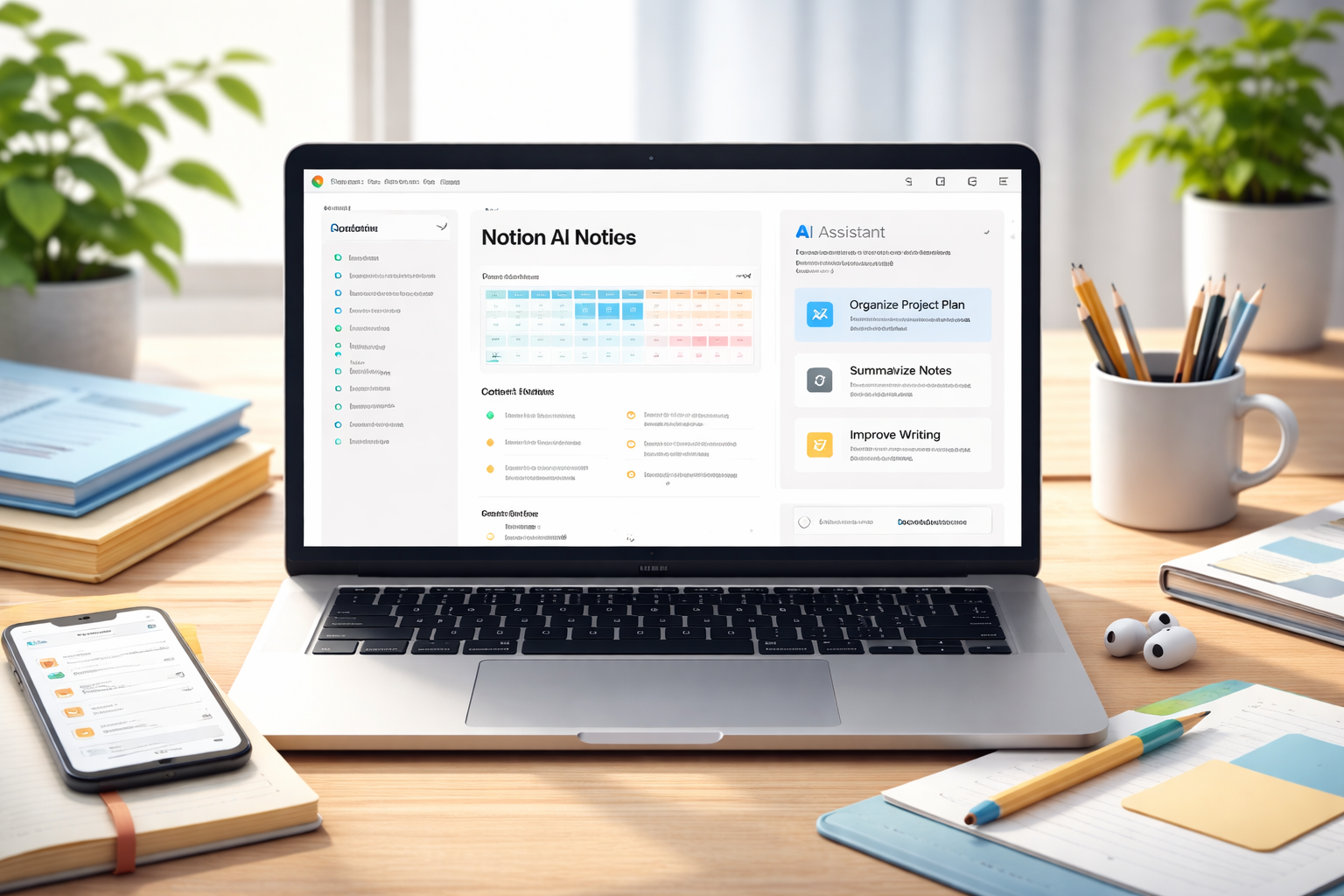
Notion has been a popular productivity tool for years.
When Notion AI was introduced, many people expected it to completely change how planning and documentation work.
After using Notion AI consistently for note-taking, content planning, and small project management, here’s my honest take.
It’s useful — but not in the way most marketing pages describe it.
What Notion AI Actually Does
Notion AI is built directly inside your Notion workspace.
You can:
- summarize long notes
- generate task lists
- rewrite messy paragraphs
- brainstorm ideas
- extract action items
- create structured outlines
The key difference compared to standalone AI tools is integration.
It works inside your system, not as a separate assistant.
Where Notion AI Is Actually Helpful
1. Cleaning Up Messy Notes
If you brainstorm quickly, your notes probably look chaotic.
Notion AI can:
- turn bullet chaos into structured sections
- summarize meeting notes
- extract clear next steps
This saves real time.
2. Creating Task Breakdowns
When you write something like:
“Launch website next month”
Notion AI can break it into:
- content plan
- design tasks
- technical setup
- promotion strategy
It’s not always perfect, but it reduces thinking friction.
3. Summarizing Long Documents
If you keep project documentation in Notion, AI summaries are practical.
Especially when:
- reviewing old projects
- onboarding collaborators
- scanning large pages
Where It Falls Short
It’s important to be realistic.
Notion AI is not:
- a full replacement for advanced AI assistants
- better than specialized writing tools
- ideal for long-form content creation
For deep writing or research, standalone AI platforms often perform better.
If you’re comparing different AI assistants for writing or research tasks, it’s worth looking at how the major platforms differ.
If you’re just getting started, you might want to explore some of the best AI tools for beginners before deciding which workflow suits you best.
Notion AI feels strongest when used for organization — not creativity.
Pricing vs Value
In 2026, Notion AI is usually bundled or offered as an add-on.
The real question is:
Does it save enough time to justify the cost?
If you already use Notion daily:
→ Yes, it probably does.
If you don’t use Notion regularly:
→ It’s not worth getting just for the AI.
The AI makes sense only inside an existing workflow.
Who Should Use Notion AI
Best fit:
- freelancers
- remote workers
- content planners
- small teams
- people who already rely on Notion
If you work remotely, structured AI tools can significantly improve focus and workflow management.
Not ideal for:
- casual users
- people who prefer simple task apps
- users who don’t organize digitally
My Real Experience After Testing
After several weeks of use, here’s the honest summary:
It didn’t revolutionize my workflow.
But it quietly improved it.
It reduced:
- mental friction
- restructuring time
- repetitive formatting
And those small gains add up.
Final Verdict
Is Notion AI worth it in 2026?
Yes — if you already use Notion seriously.
No — if you’re looking for a standalone AI assistant.
It’s not flashy.
It’s not groundbreaking.
But inside a structured workflow, it’s practical.
And practical tools are usually the ones that last.

Andrew Black is the founder of DipFeed, a digital publication focused on artificial intelligence tools, software reviews, and workflow optimization. He researches and analyzes how AI reshapes productivity, business processes, and modern work in 2026. His work emphasizes practical testing, real-world use cases, and evidence-based insights rather than hype or speculation.